
Description
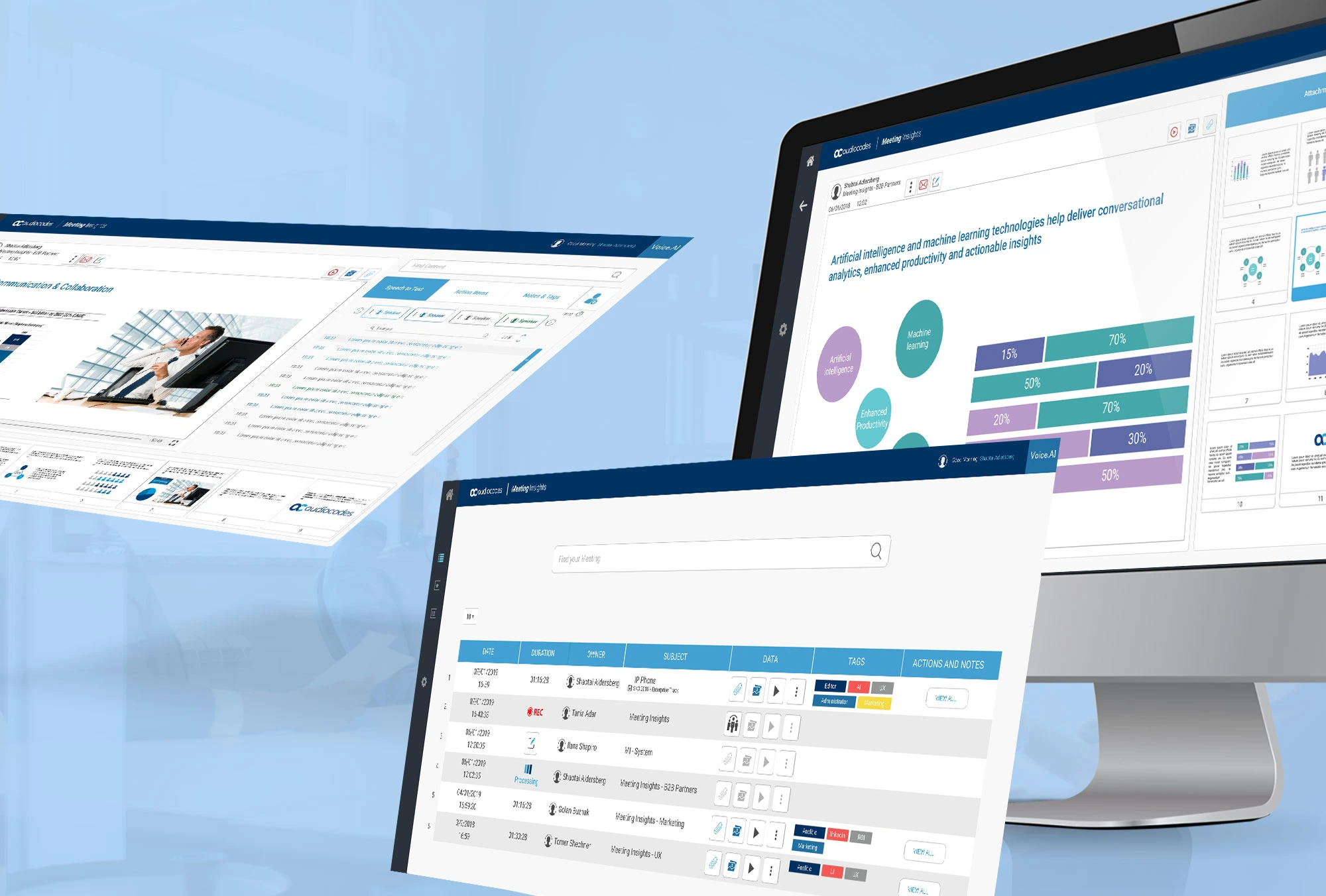
The Automated Meeting Insights Dashboard is a powerful productivity tool that converts spoken discussions into structured, actionable intelligence. It integrates with virtual meeting platforms such as Zoom, Microsoft Teams, and Google Meet to capture audio, generate transcripts, and analyze conversation content in real time. The system automatically identifies key topics, decisions made, assigned action items, deadlines, and potential risks or blockers discussed during the meeting. Instead of relying on manual note-taking, participants receive a clear summary immediately after the meeting, reducing misunderstandings and forgotten commitments. The dashboard aggregates insights across multiple meetings, allowing leaders to track recurring themes, unresolved issues, and project progress over time. For example, it can show how often certain topics are revisited, which teams frequently miss deadlines, or where decision-making slows down. Managers can use this data to improve meeting efficiency, streamline workflows, and ensure accountability. The tool also supports sentiment analysis, helping leaders gauge team morale and engagement levels. By integrating with task management platforms like Jira, Asana, or Trello, action items can be automatically converted into assigned tasks. This creates a seamless loop between discussion and execution, ultimately improving organizational productivity and clarity.
Laraba –
The Automated Meeting Insights Dashboard transformed our chaotic follow-ups. Previously, I spent hours compiling notes; now, key decisions and risks are highlighted instantly. The visual trend analytics revealed bottlenecks we missed, boosting accountability. The interface is intuitive, and support resolved a query within minutes. It’s a vital tool for our workflow.
Emeka –
Before Automated Meeting Insights Dashboard, critical action items were lost in dense notes. Now, I get real-time summaries with clear decisions and risks. The dashboard’s trend visualization highlighted recurring bottlenecks we missed. It’s intuitive, and support resolved a sync issue within an hour. My follow-up time is down by half.